

Before you start
Before using AirCloud, complete sign-up and onboarding.1. Select Get Started and choose a service
On the AirCloud homepage, click Get Started. In the service selection step, you can choose either Run AI workloads or Provide resources.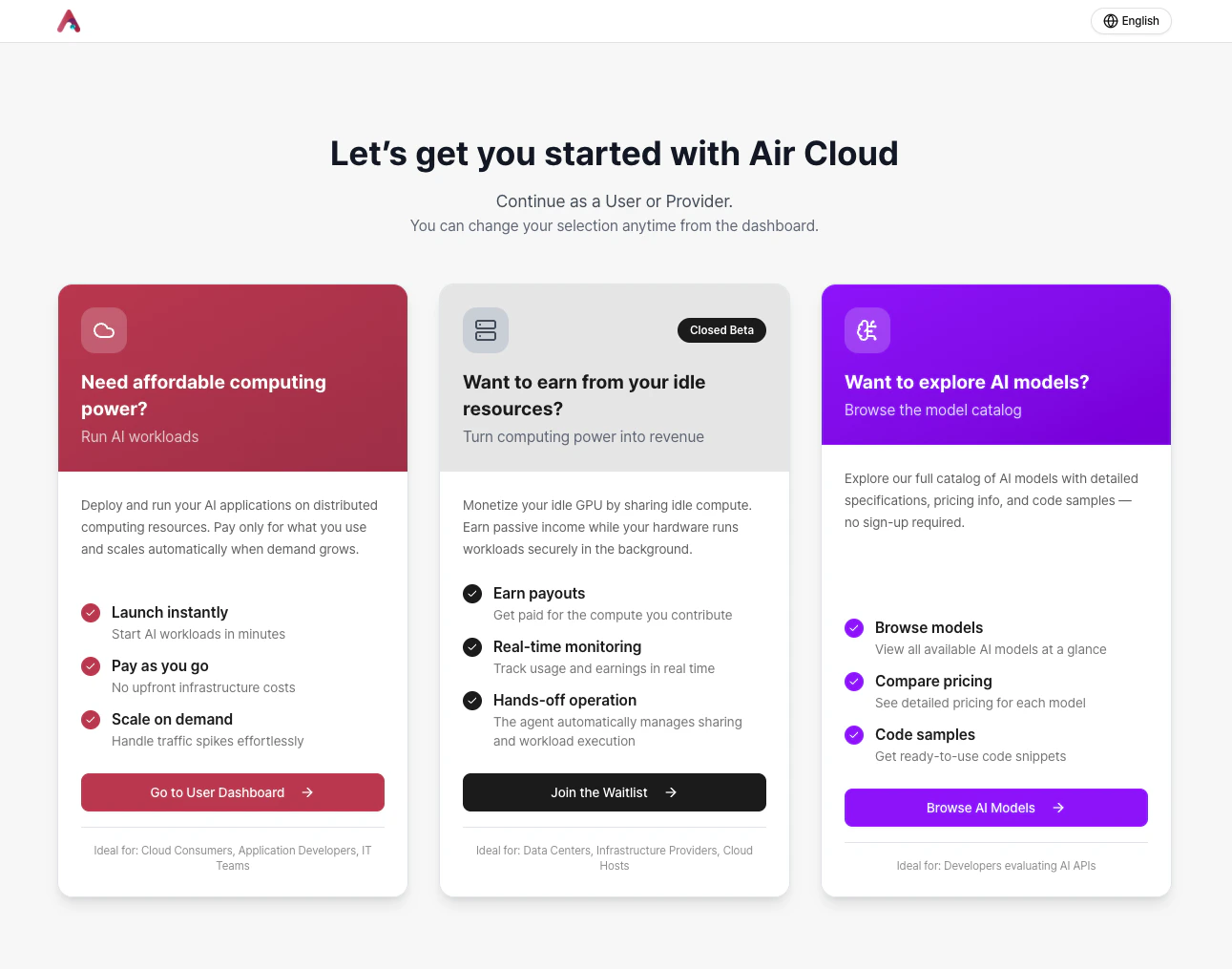
- If you want to use the cloud, select Go to User Dashboard to move to the cloud console.
- If you want to register resources as an AirCloud provider, Join the Waitlist and we will contact you in order.
- If you want to try Air API, you can browse available models in the AI Model tab.
Models available via Air API will be continuously updated. See Supported Models for the latest information.
2. Sign up and sign in
You can sign up using email or social login.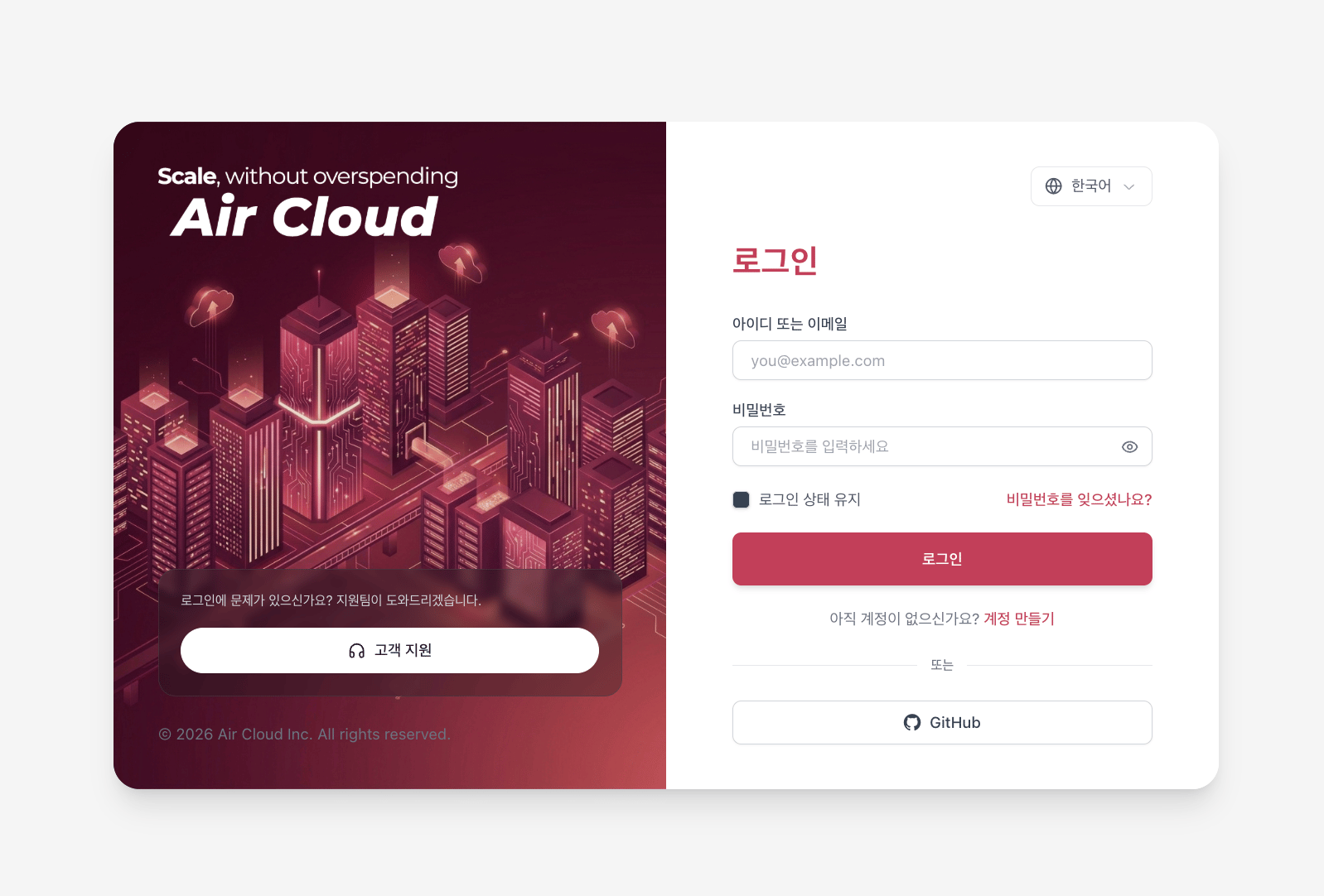
- GitHub
3. Complete onboarding
AirCloud onboarding consists of the following three steps:- Create an Organization An Organization name can represent a company, lab, or project. You can also add collaborators to an Organization.
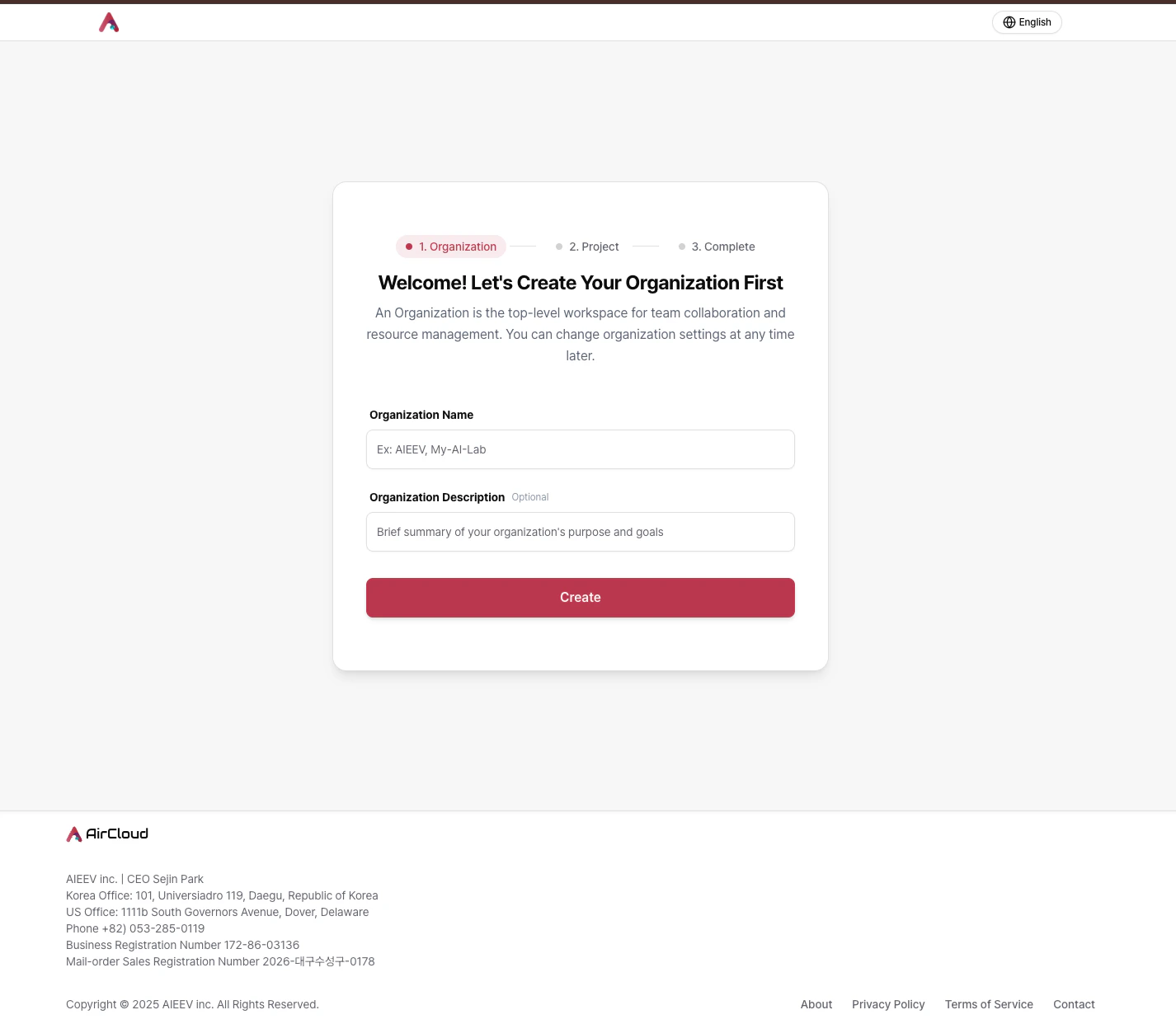 Once you create or join an organization, you cannot be invited to another organization. If you need to change your organization, please contact us.
 - Create a Project A Project can represent a service you are building or a development effort. You can create multiple endpoints within a single Project.
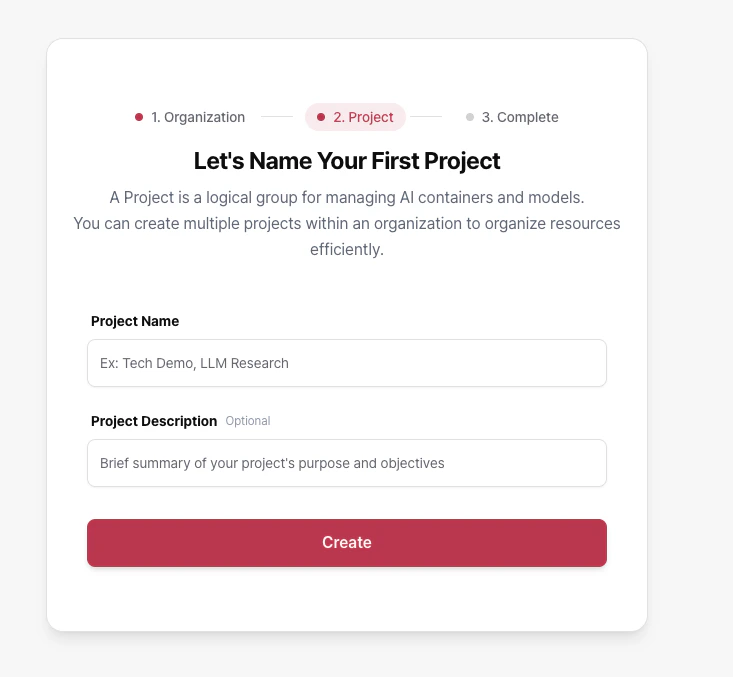
- Add credit (optional) After completing onboarding, go to the console to follow the first-time guide and start using the service.
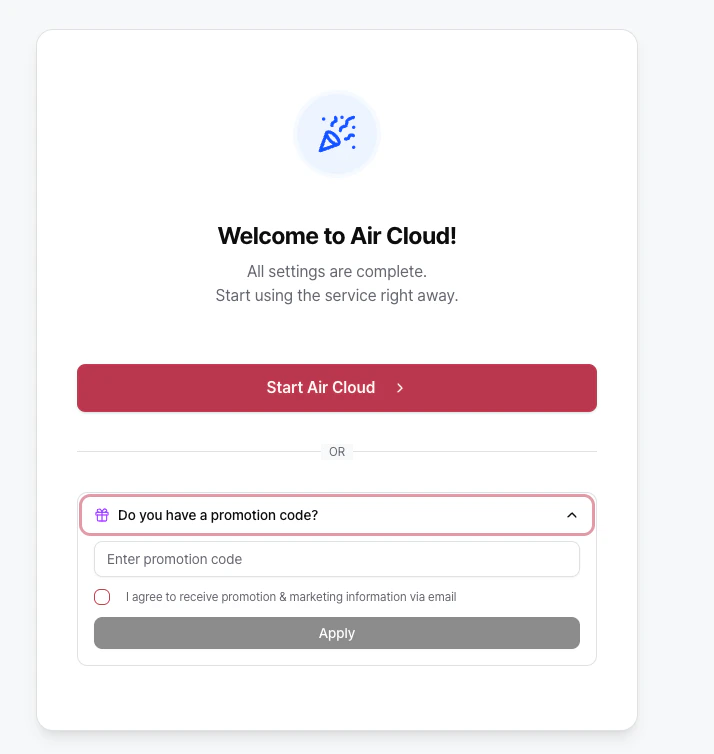
Choose your starting path
You can start with either of the following options:Air API
Create an API workload in your Project, select a supported model, issue an API key, and test immediately. You can also test directly in the Playground.
Air Container
Deploy your own container image and configure resources and autoscaling to build a production-ready environment.