

What You Can Do with Persistent Storage
Persistent Storage provides flexible data management across your deployments.- Support Autoscaling: Attach the same volume to deployments using Autoscaling and multiple Replicas.
- Create or Reuse Volumes: Create a new volume or attach an existing one during container deployment.
- Share Across Deployments: Attach the same volume to multiple deployments. When selecting a volume, AirCloud also shows which deployments are currently using it.
- Modify While Stopped: Enable, disable, or replace an attached volume while the container is stopped (READY).
- Resize While Running: Increase the size of a volume that is already in use, without stopping the container.
- Mount at Several Paths: Mount one volume at more than one path inside the container.
Usage
Create a New Volume
You can create and attach a new Persistent Storage volume during container deployment. A volume can be 1 GB to 1,000 GB, and defaults to 30 GB. The actual limit also depends on free space on the device your container lands on. If the requested size exceeds it, creation fails with aVOLUME_SIZE_EXCEEDED error — lower the size and try again.
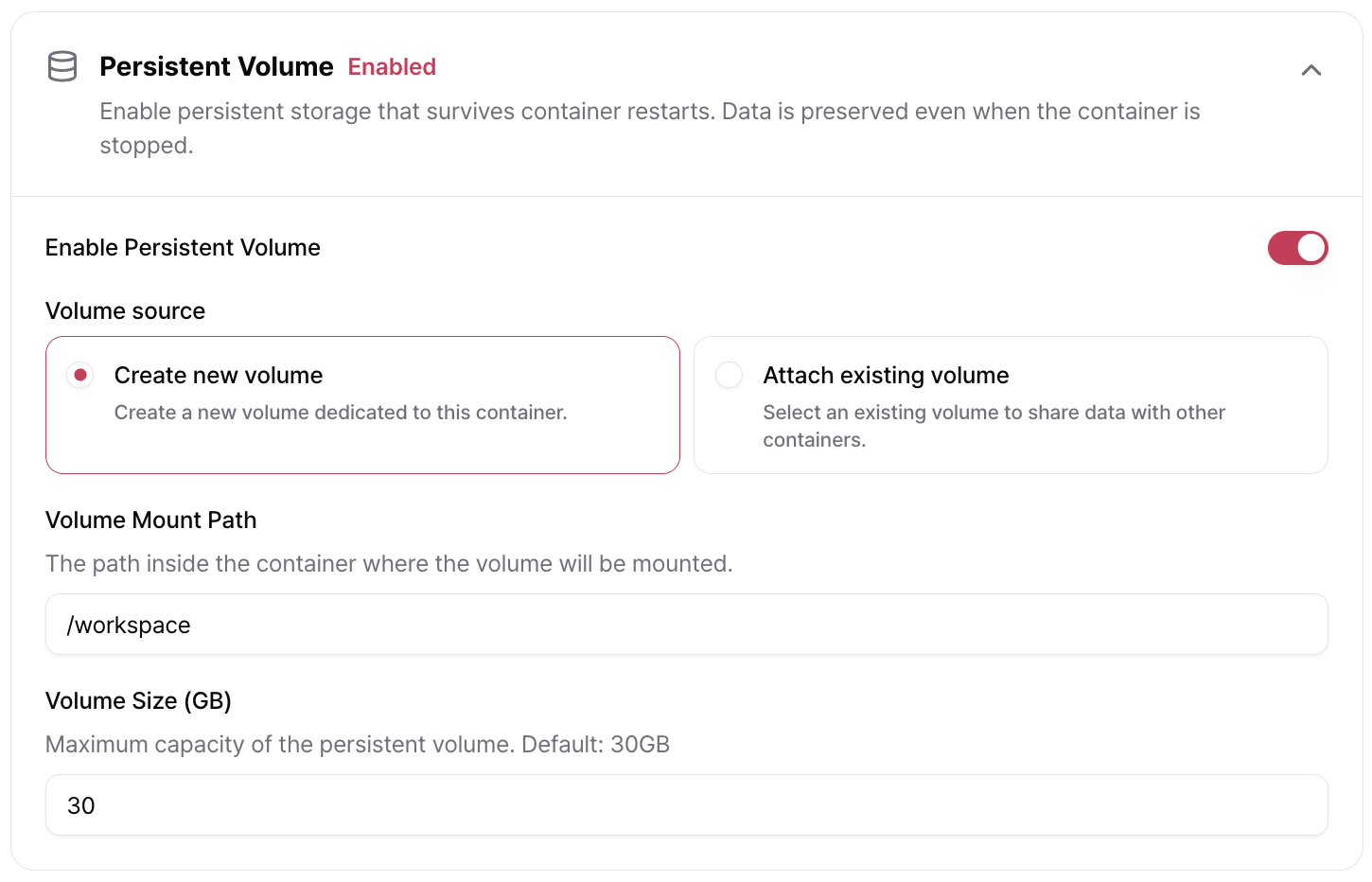
Attach an Existing Volume
You can attach a volume that is already in use by another container, allowing multiple deployments to share the same storage. When selecting a volume, AirCloud displays the deployments that are currently using it.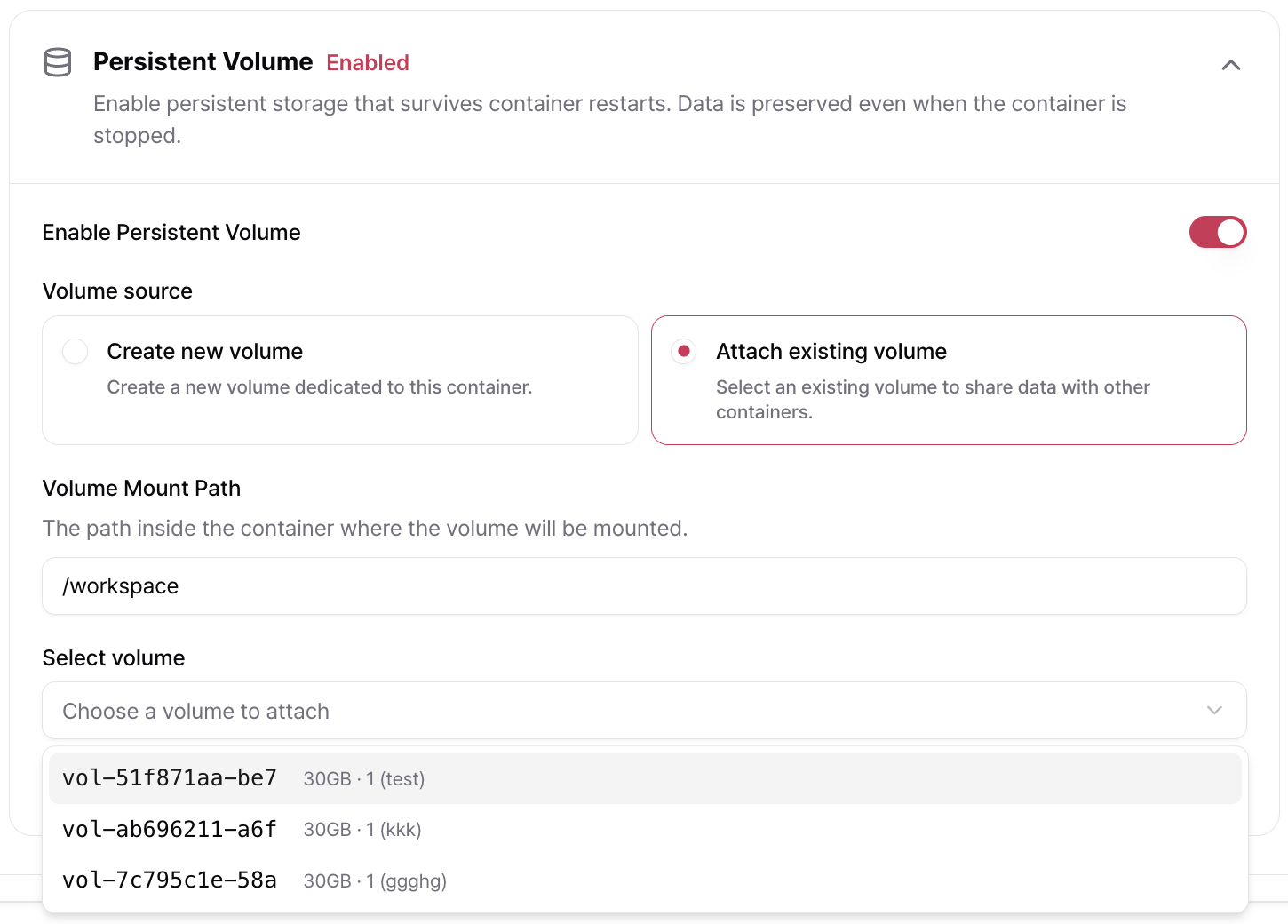
Mount at Several Paths
Mount Path accepts more than one path, separated by commas — for example/workspace, /data. The same volume is then mounted at each of those paths inside the container.
Resize a Volume
You can increase the size of a volume that is already attached, while the container is running. The change applies within about a minute.A volume can only be made larger. Shrinking is not supported.
Modify a Volume While Stopped
Enabling, disabling, or replacing a volume requires the container to be stopped (READY). You can:- Disable or re-enable the attached volume.
- Replace the attached volume with another one.