

What You Can Do with Air API
Select a Model
Choose the AI model that best fits your use case. New models are continuously added.
Generate a Secret Key
Select the API endpoints you want to access and generate a secret key.
Test with Code Samples
Verify your integration immediately using the generated secret key.
Test in Playground
Interact with models directly from your browser using the web-based Playground.
Quickstart
1. Select Air API from the Project Overview
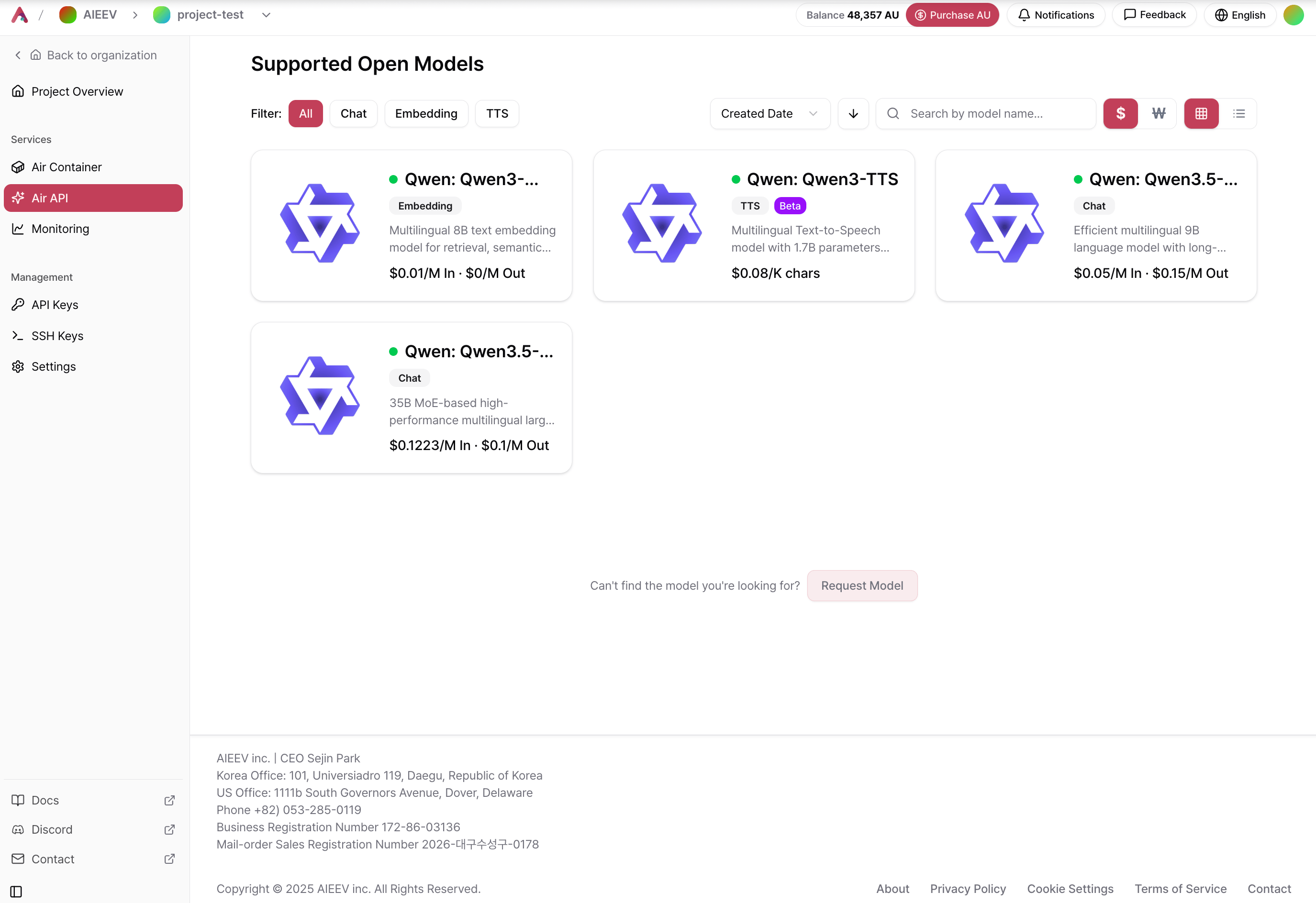
2. Select a Model
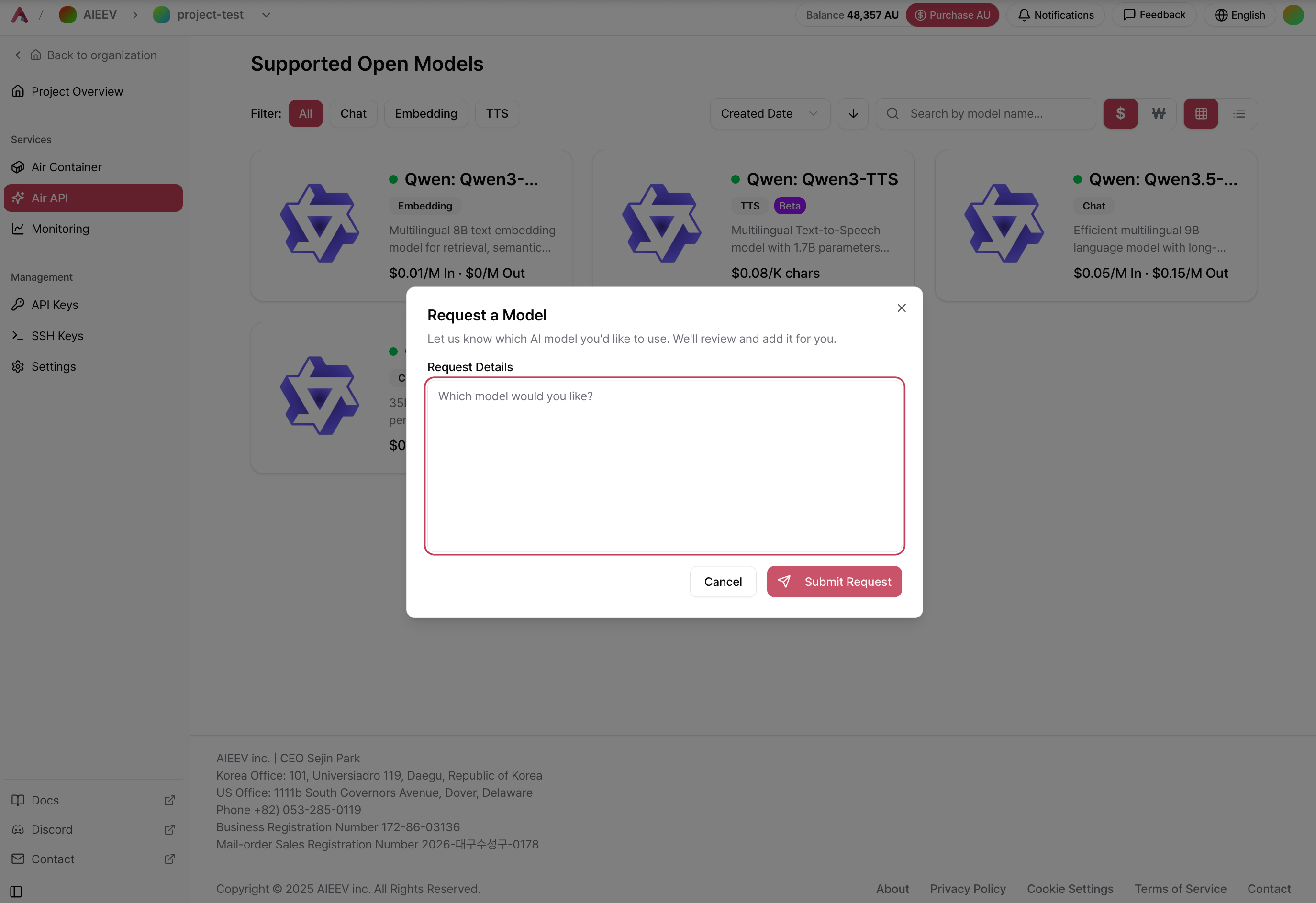
3. Generate a Secret Key
Go to API Keys → Create New Secret Key.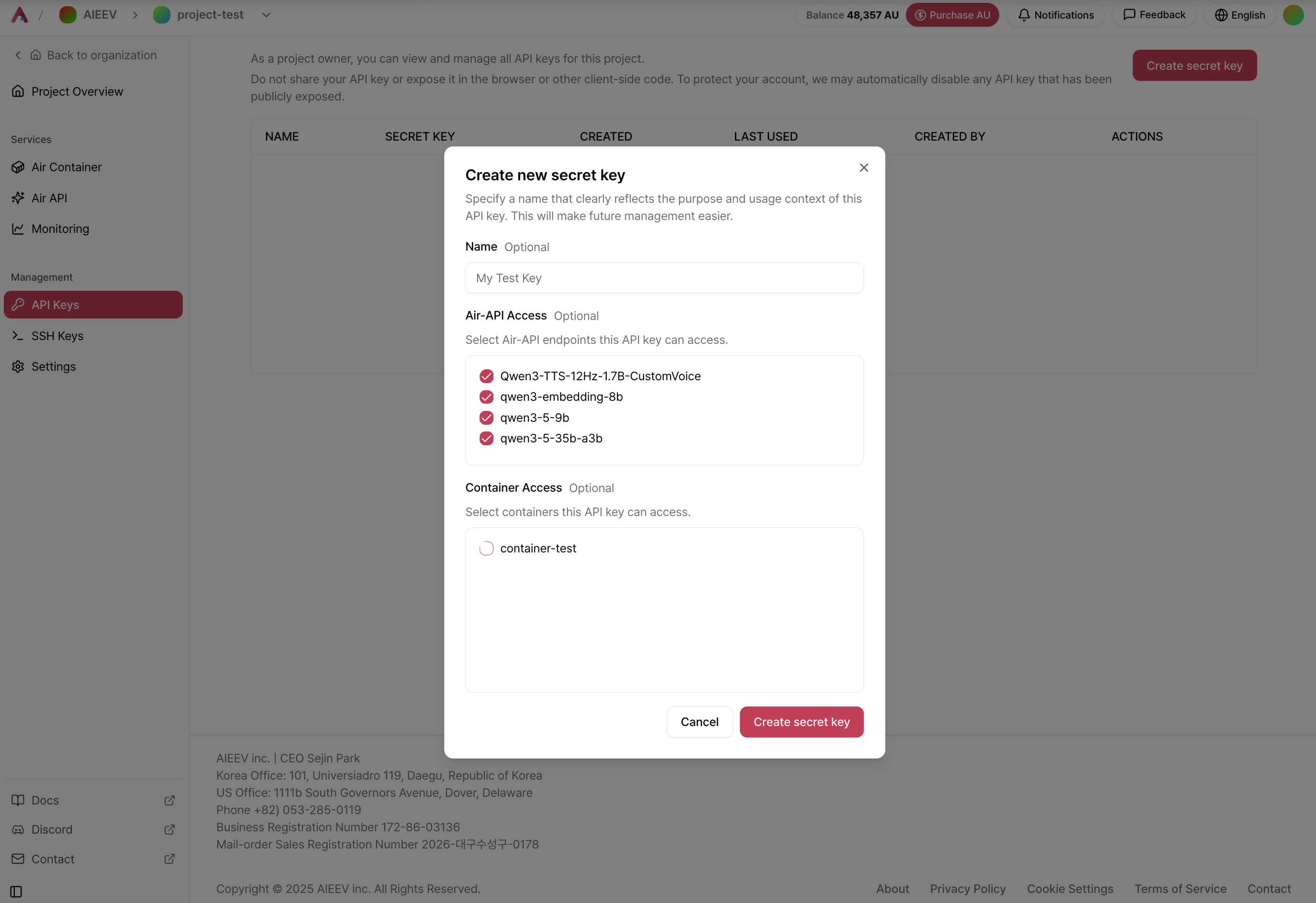
4. Test with a Code Sample
After generating your secret key, open the desired model card and click View Code in the upper-right corner. Replaceyour-api-key with your secret key and run the sample to verify your connection.
5. Test in Playground
Open the Playground to interact with the model directly from the web interface. When you need dedicated resources, lower latency, or specific GPU configurations, you can seamlessly migrate the same workload to Air Container.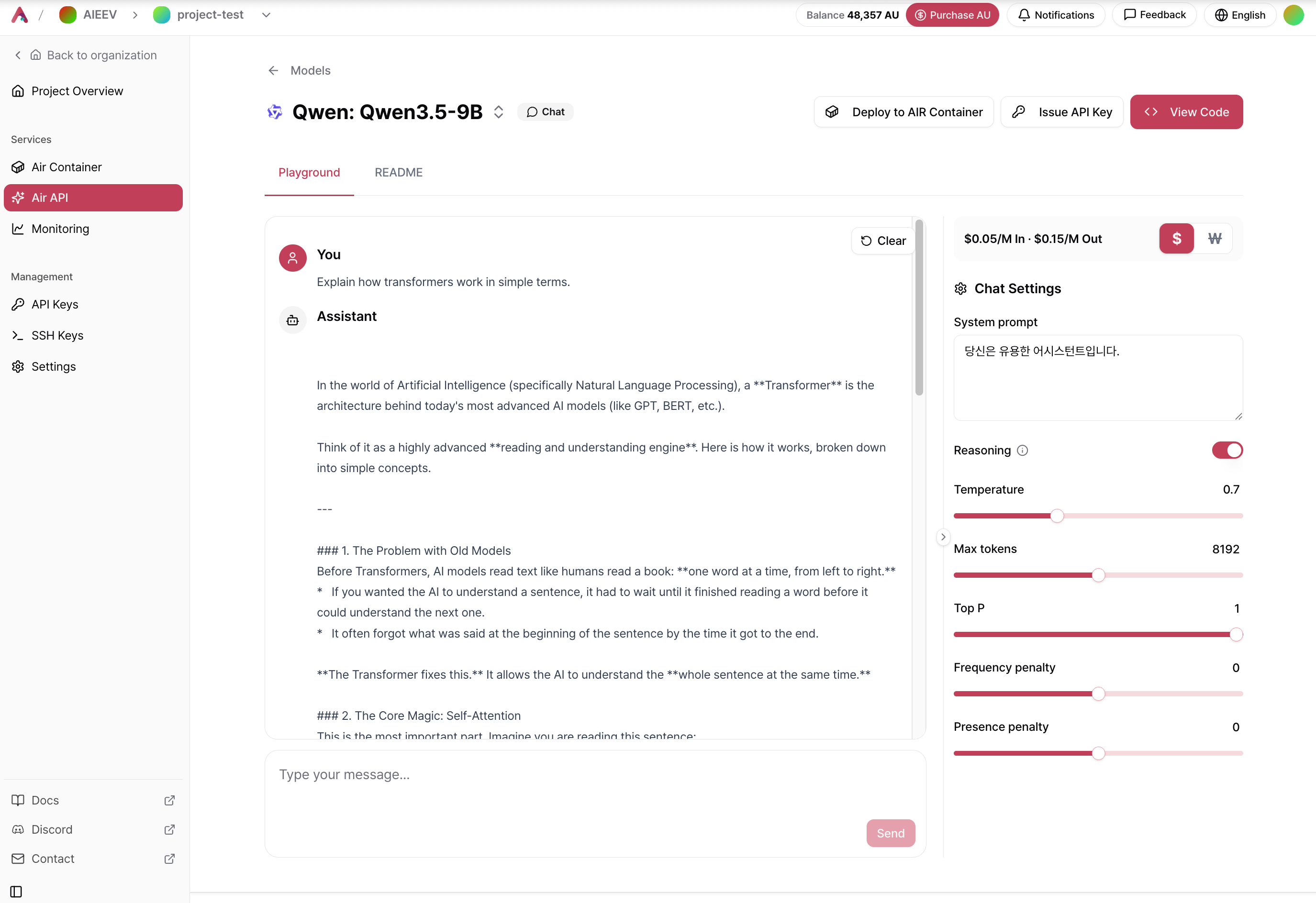
Related Documentation
Models and Playground
Browse supported models and learn how to use the Playground.
API Usage Guide
Learn how to authenticate, call the API, and follow best practices.
OpenAI Compatible API
Connect your existing OpenAI SDK code to Air API in two lines.
Troubleshooting
Find solutions to common errors and troubleshooting tips.