

Billing Overview
All usage and charges generated by Projects are aggregated and billed at the Organization level. Services can be used as long as your Organization has sufficient credits. AirCloud bills in credits, displayed with the unit C. For organizations in the KRW region, 1 C equals KRW 1 of supply price (before VAT). Organizations in the USD region see the same balance converted to USD at the current exchange rate. All AirCloud services deduct usage from your credit balance.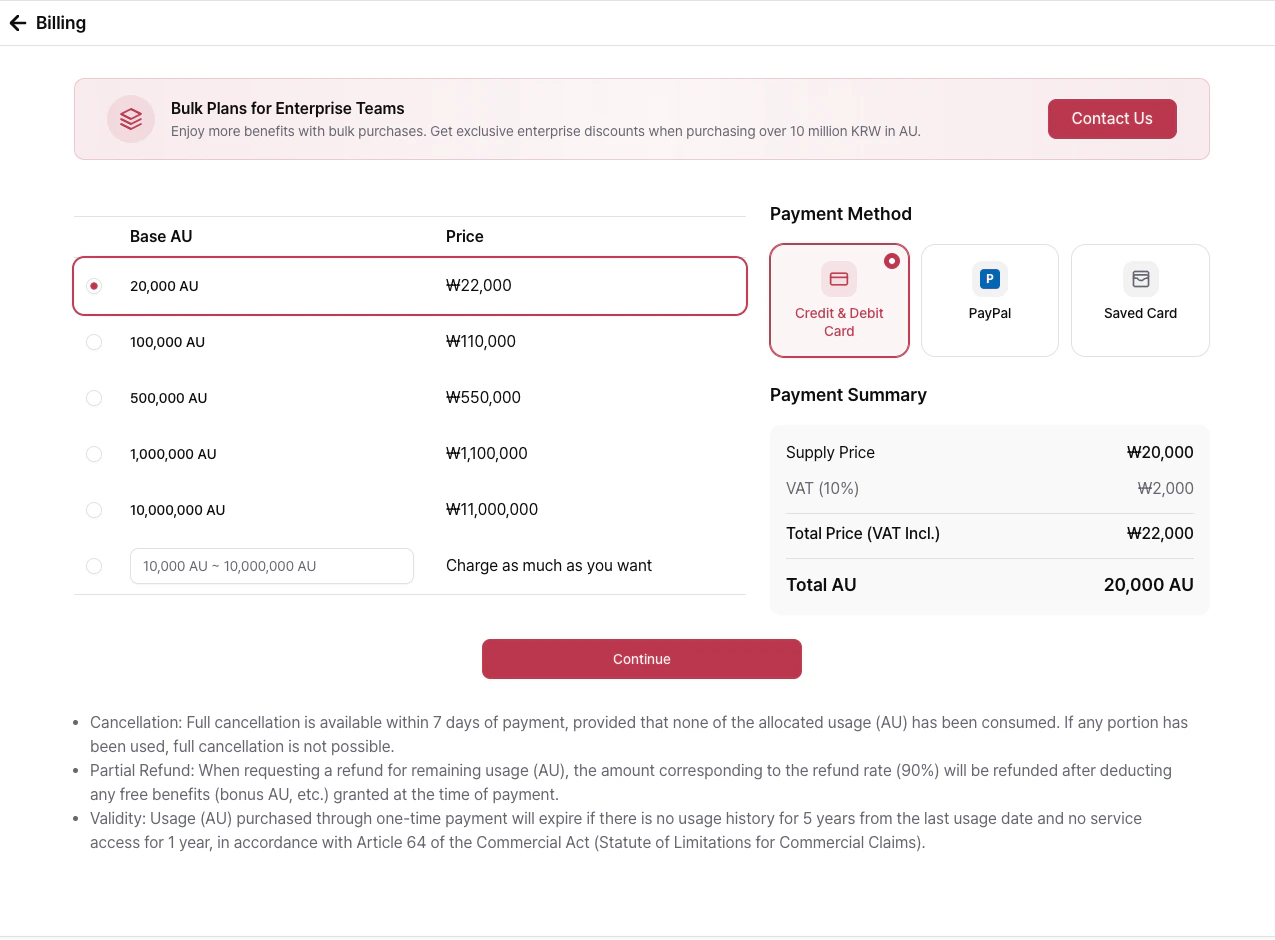
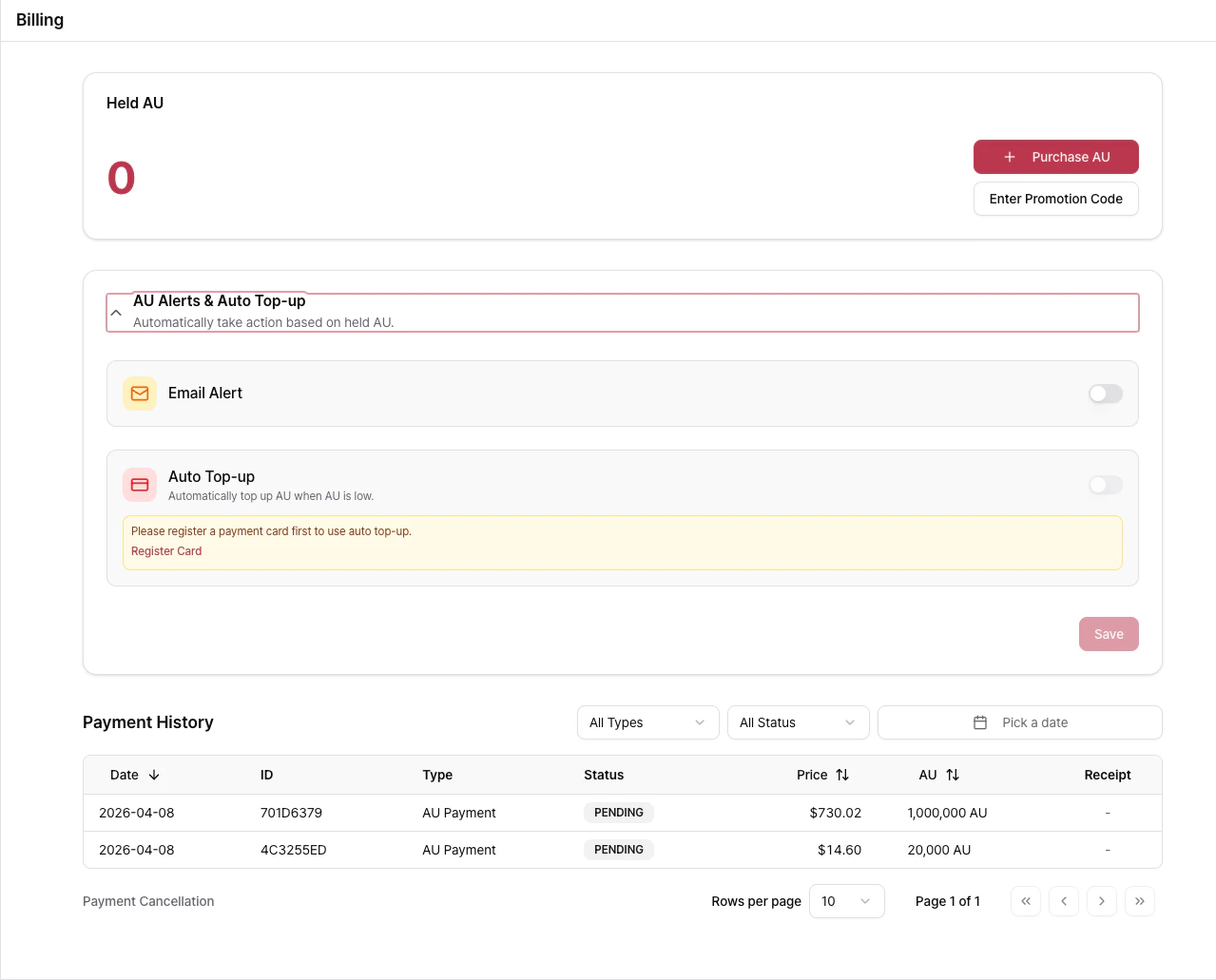
Purchase Credits
AirCloud supports the following payment providers for purchasing credits:- Toss Payments — Prepaid credits (Korea)
- PayPal — Prepaid credits (Global)
- Stripe — Prepaid credits and saved payment methods for Auto Top-up (Global)
Payment Methods
Register a payment card to use Auto Top-up. Saved payment methods can also be reused for future credit purchases without entering card details again. You can register multiple payment methods and choose which one is used for Auto Top-up.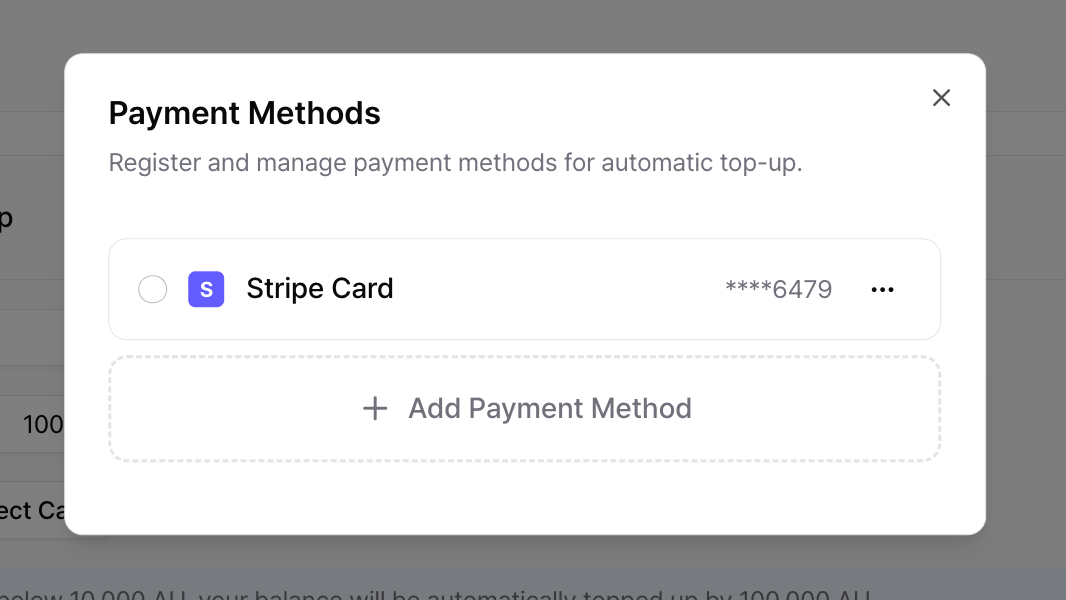
Auto Top-up
Auto Top-up automatically purchases credits when your remaining balance falls below a specified threshold. Payments are charged automatically using your selected payment method, allowing you to maintain sufficient credits without manual intervention.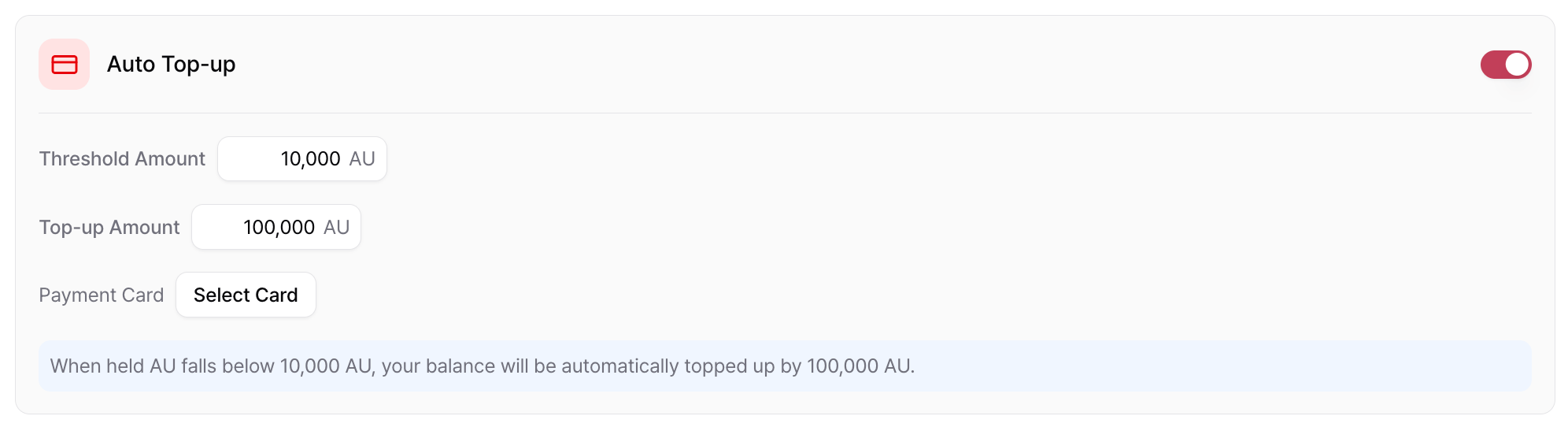
- Threshold — Remaining credit balance that triggers Auto Top-up.
- Top-up Amount — Amount of credits to purchase automatically.
- Payment Method — Saved payment method used for automatic billing.
Low Credit Notifications
Email notifications can be sent to Organization Owners when the remaining credit balance falls below a configured threshold. Unlike Auto Top-up, this feature does not automatically purchase credits. It simply notifies Organization Owners so they can manually add credits.
- Threshold — Remaining credit balance that triggers the notification.
- Recipients — Organization Owners.
Low credit notifications send email alerts only. They do not automatically purchase credits.
Invoices
Invoices are available for Organizations using Postpaid Billing and are intended primarily for enterprise customers. Invoices are generated automatically at the end of each month based on the total unpaid usage accumulated during the billing period. Generated invoices are available from Organization → Billing → Invoices, where you can:- View invoice status.
- Download PDF invoices.
- Complete invoice payments.
Invoice Fields
Invoice Status
Payment History
The Payment History page displays all credit purchases, promotional credits, Auto Top-up transactions, and invoice payments.Payment History Fields
Payments are categorized as Pending, Completed, Failed, or Canceled. Receipts are available for completed payments.
Payment Types
Payment history can be filtered by Type, Status, and Date Range, and sorted by Date, Amount, or Credits.
Promotion Codes
Promotion codes distributed through events, partnerships, or promotional campaigns can be redeemed from Billing → Promotion Codes.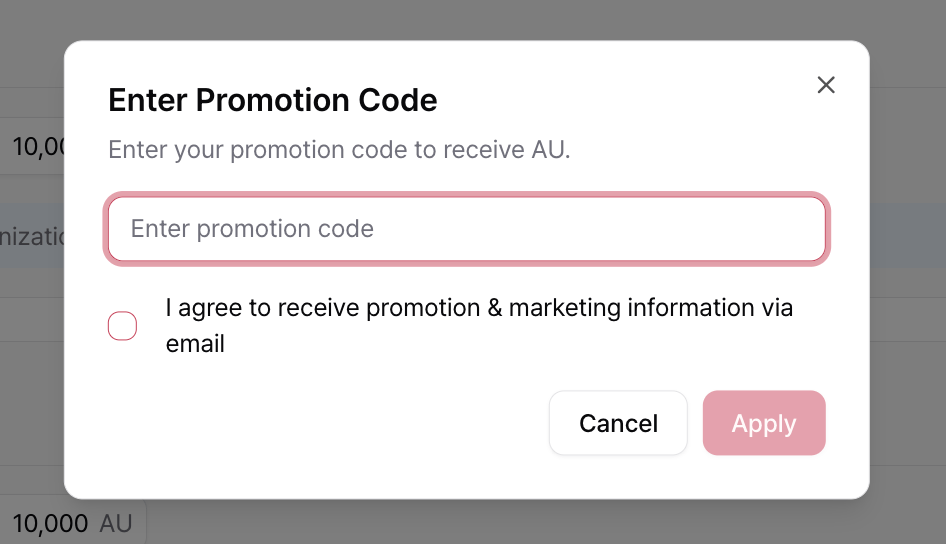
Cancelling a Payment and Refunds
A card payment for credits can be cancelled from the console as long as none of the credits it granted have been used. Cancelling refunds the full amount including VAT to the original payment method and immediately reclaims the granted credits (bonus included). For payments that meet the conditions below, there is no time limit after the payment. A payment can be cancelled when all of the following hold:- The payment status is Completed and the type is Credit Purchase or Auto Top-up.
- It was paid by card or PayPal. Auto top-up charges made with a saved card are included.
- The person who made the payment cancels it. A payment made by another member can only be cancelled by that member.
- None of the credits granted by that payment have been used. Any usage at all makes it non-cancellable.
- Your balance was not negative at the time of payment. When you top up while the balance is negative, part of the payment settles the outstanding amount, so the payment cannot be cancelled even if you never used the new credits.
How to cancel
- Open Billing → Payment History and click Payment Cancellation.
- Select the payments to cancel. Payments that cannot be cancelled are dimmed; hover to see why.
- Choose a reason, review the amount, and click Confirm.
Disputes and taxes
Billing disputes must be submitted within 15 days of receiving the invoice. If no dispute is raised during this period, the invoice is considered accepted. Service fees are exclusive of applicable taxes. Customers are responsible for all taxes, duties, and fees other than AIEEV’s corporate income tax. For detailed terms, see the Terms of Service or Contact the AirCloud support team.Related Documentation
Organization Management
Learn how to manage members, usage, reserved instances, and organization settings.
Contact and Feedback
Contact the AirCloud team or submit product feedback.