> ## Documentation Index
> Fetch the complete documentation index at: https://docs.aieev.com/llms.txt
> Use this file to discover all available pages before exploring further.
# Quickstart
A quickstart guide for new AirCloud users. In AirCloud, you first create an Organization and Project, then start your AI workload using either Air API or Air Container.
## Before you start
Before using AirCloud, complete sign-up and onboarding.
### 1. Select Get Started and choose a service
On the AirCloud homepage, click **Get Started**. In the service selection step, you can choose either **Run AI workloads** or **Provide resources**.
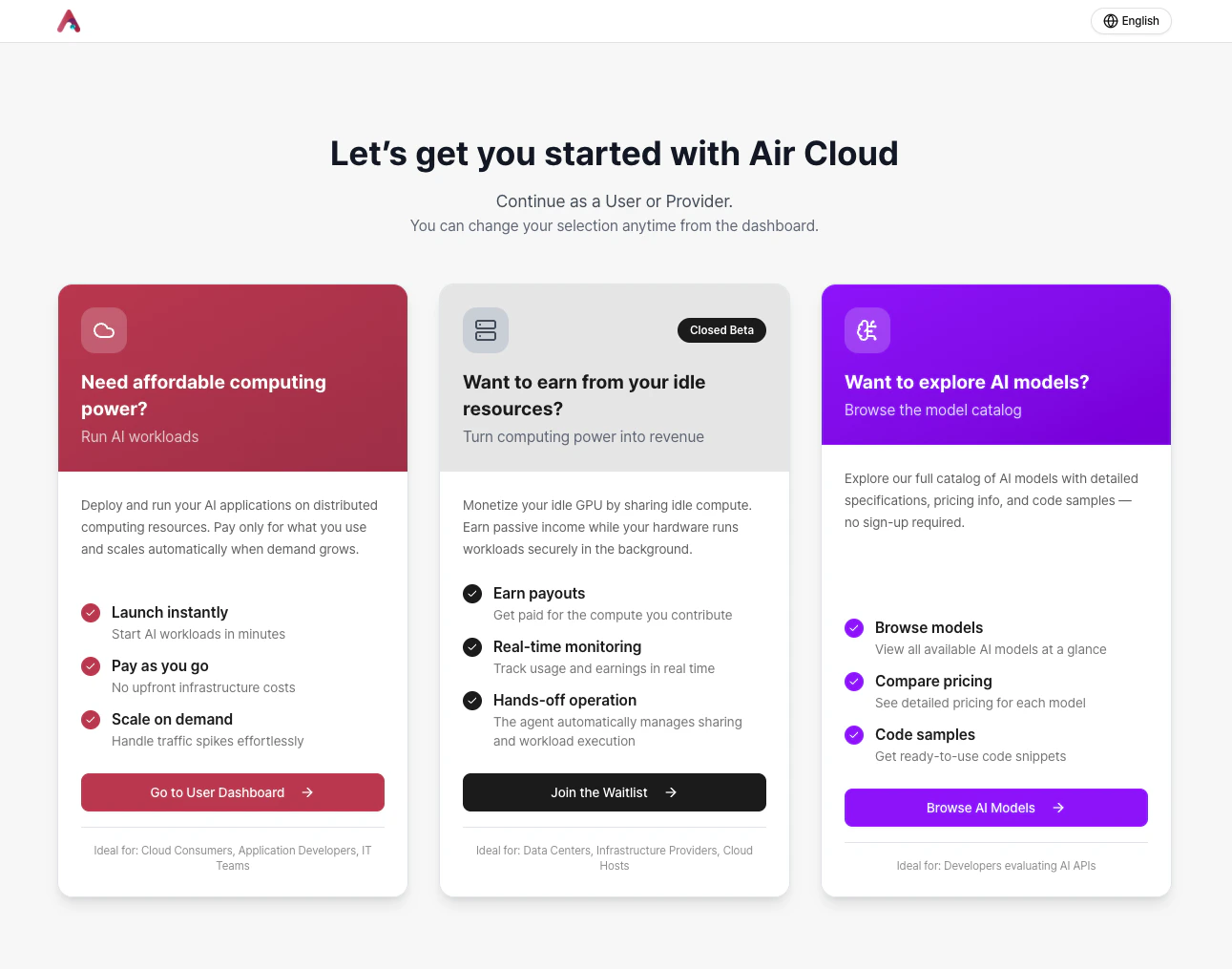 * If you want to use the cloud, select **Go to User Dashboard** to move to the cloud console.
* If you want to register resources as an AirCloud provider, **Join the Waitlist** and we will contact you in order.
* If you want to try Air API, you can browse available models in the **AI Model** tab.
Models available via Air API will be continuously updated. See [Supported Models](https://docs.aieev.com/models/) for the latest information.
### 2. Sign up and sign in
You can sign up using email or social login.
* If you want to use the cloud, select **Go to User Dashboard** to move to the cloud console.
* If you want to register resources as an AirCloud provider, **Join the Waitlist** and we will contact you in order.
* If you want to try Air API, you can browse available models in the **AI Model** tab.
Models available via Air API will be continuously updated. See [Supported Models](https://docs.aieev.com/models/) for the latest information.
### 2. Sign up and sign in
You can sign up using email or social login.
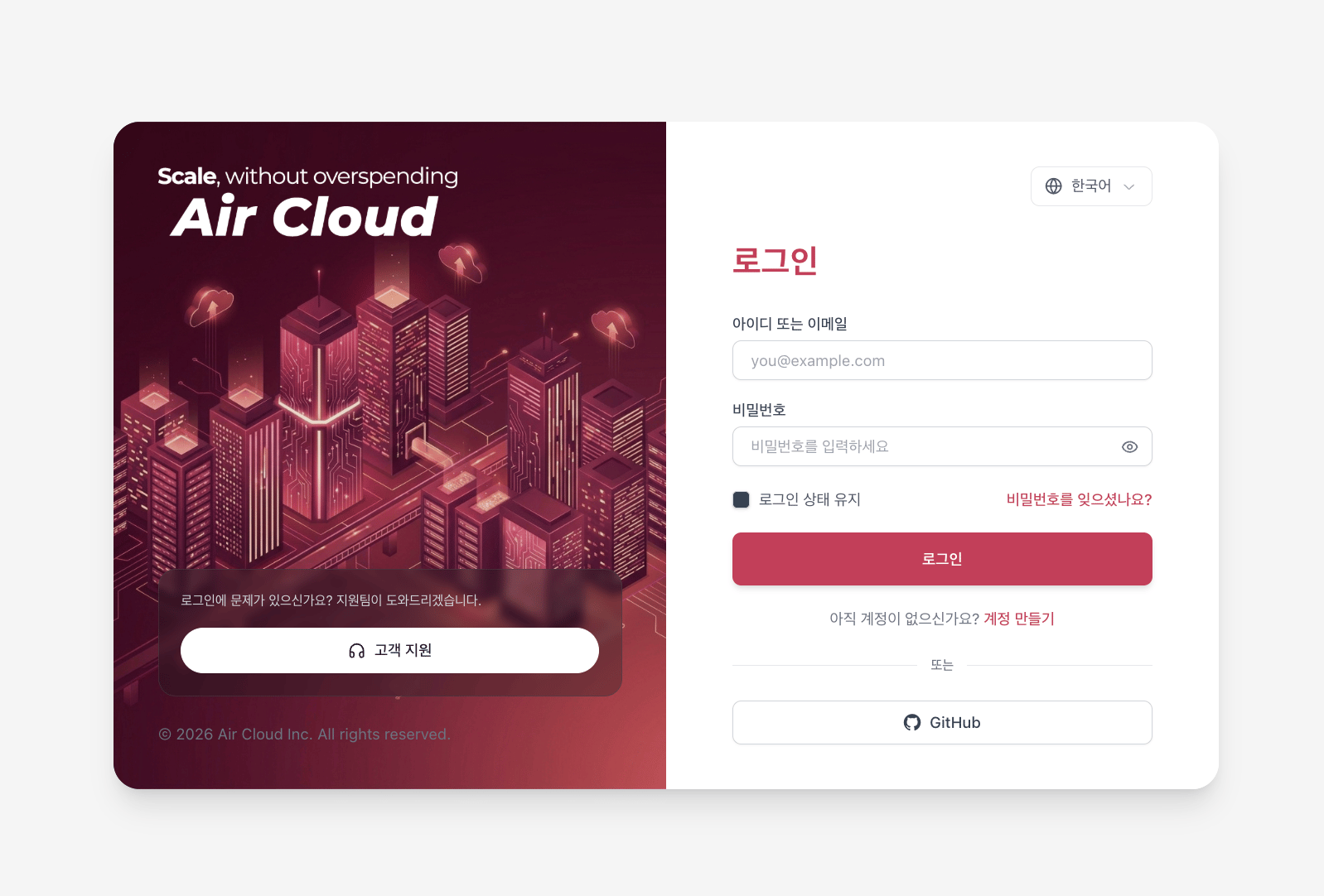 The currently supported sign-up methods are:
* Email
* GitHub
If you have issues signing up or logging in, request help via [**Contact Support**.](https://www.aieev.com/contact)
### 3. Complete onboarding
AirCloud onboarding consists of the following three steps:
1. **Create an Organization** An Organization name can represent a company, lab, or project. You can also add collaborators to an Organization.
The currently supported sign-up methods are:
* Email
* GitHub
If you have issues signing up or logging in, request help via [**Contact Support**.](https://www.aieev.com/contact)
### 3. Complete onboarding
AirCloud onboarding consists of the following three steps:
1. **Create an Organization** An Organization name can represent a company, lab, or project. You can also add collaborators to an Organization. 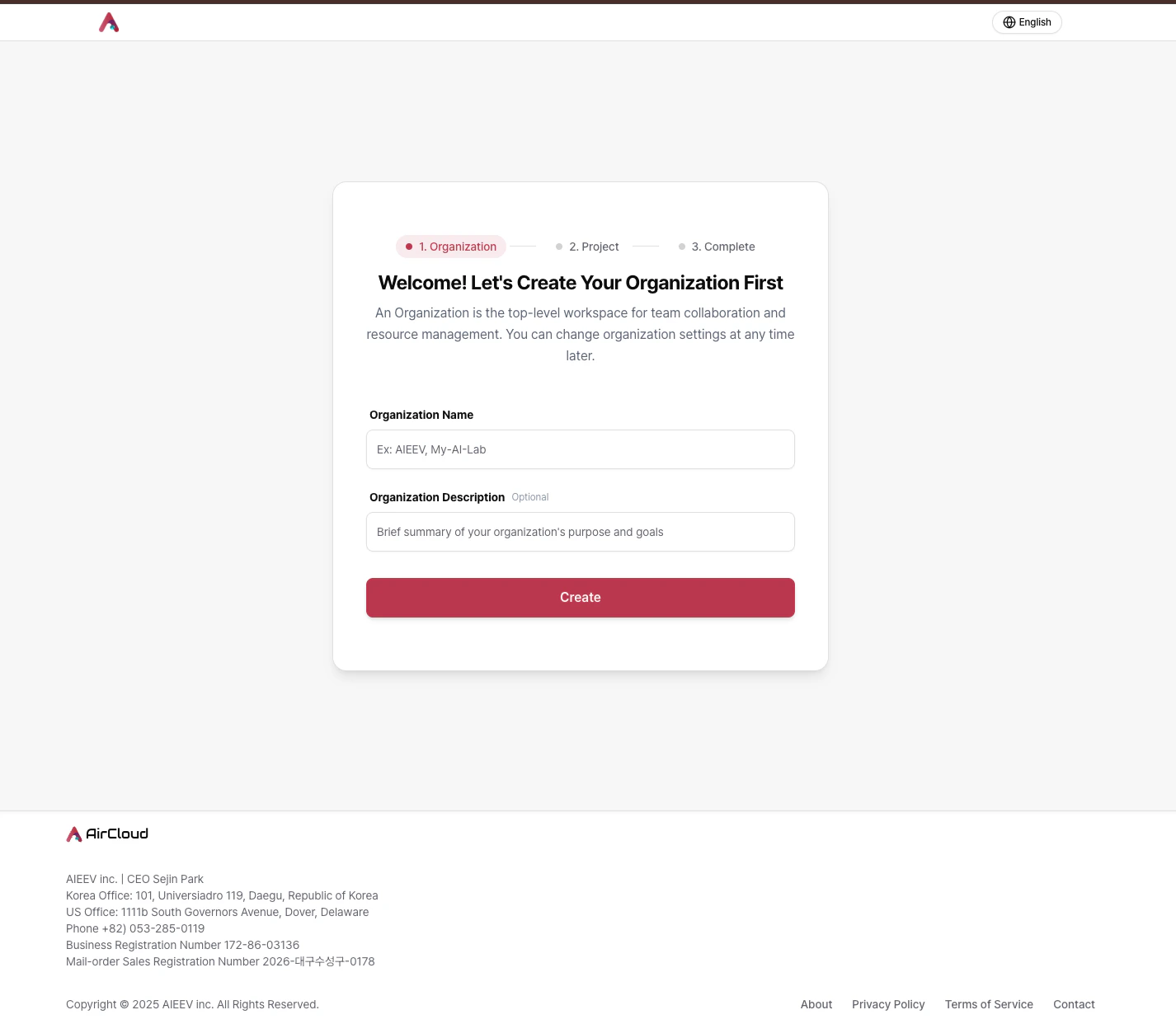 **Once you create or join an organization, you cannot be invited to another organization.** If you need to change your organization, please [contact us](https://www.aieev.com/contact).
2. **Create a Project** A Project can represent a service you are building or a development effort. You can create multiple endpoints within a single Project.
**Once you create or join an organization, you cannot be invited to another organization.** If you need to change your organization, please [contact us](https://www.aieev.com/contact).
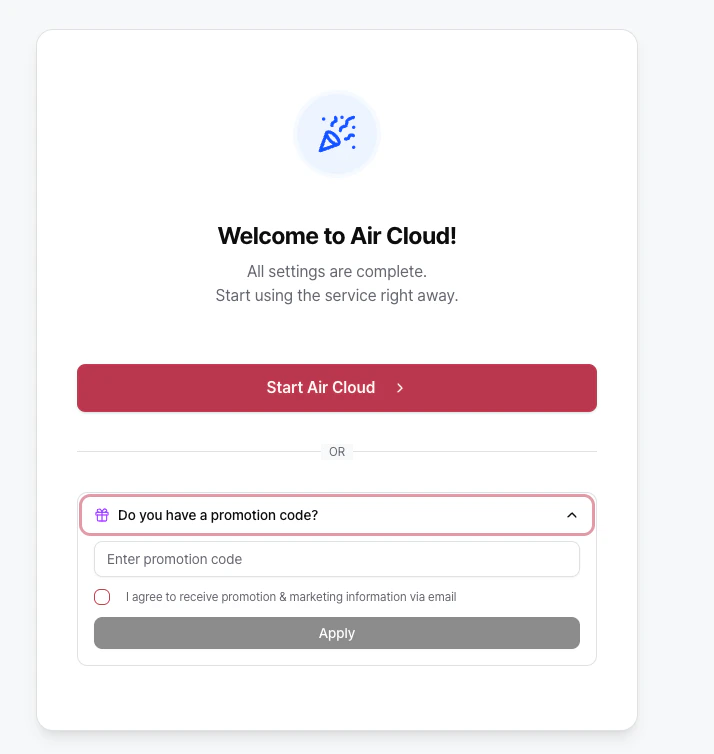
2. **Create a Project** A Project can represent a service you are building or a development effort. You can create multiple endpoints within a single Project. 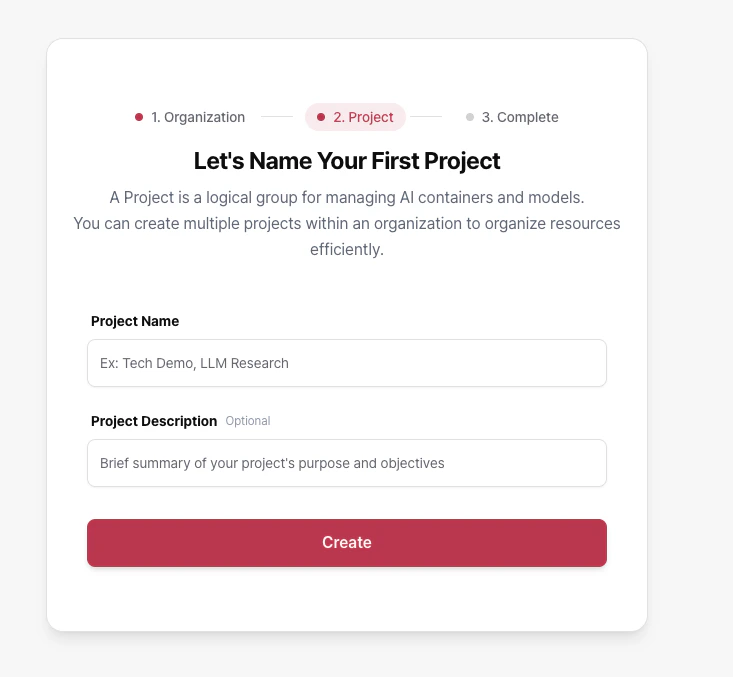 3. **Add credit** *(optional)* After completing onboarding, go to the console to follow the first-time guide and start using the service.
  ## Choose your starting path
You can start with either of the following options:
Create an API workload in your Project, select a supported model, issue an API key, and test immediately. You can also test directly in the Playground.
Deploy your own container image and configure resources and autoscaling to build a production-ready environment.
## Choose your starting path
You can start with either of the following options:
Create an API workload in your Project, select a supported model, issue an API key, and test immediately. You can also test directly in the Playground.
Deploy your own container image and configure resources and autoscaling to build a production-ready environment.